
What to Include in Your Help Center: A Complete Content Checklist
Use this 8-category content checklist to build a help center that actually reduces support tickets — with examples, priorities, and a quick-start guide.

67% of customers prefer self-service over talking to a support agent. But “self-service” only works when the content exists. Most help centers launch with 10-15 articles and call it done. Six months later, they wonder why tickets have not dropped.
The problem is not effort — it is coverage. Teams write the articles they think customers need instead of mapping the full landscape of questions customers actually ask. Here is a complete checklist, organized by priority, so you know exactly what to build and in what order.
Tier 1: Launch With These (Week 1)
Getting Started Guides
These are the most-read articles in any help center. New users land here first, and a confusing onboarding experience drives churn faster than any bug. Write one guide per core workflow: account setup, first project creation, inviting team members. Keep each under 500 words with numbered steps and screenshots.
Account and Billing FAQ
“How do I change my plan?” “Where is my invoice?” “How do I cancel?” These questions generate a disproportionate number of tickets because users feel urgency around money. Cover pricing, plan changes, billing cycles, refund policy, and payment methods. Link directly to the relevant settings page in each answer.
Top 10 Support Tickets as Articles
Pull your last 90 days of support tickets. Sort by frequency. The top 10 topics become your first 10 articles. This is the fastest way to deflect real volume — you are writing for questions you know people ask, not questions you imagine they might.
Tier 2: Build These Next (Weeks 2-4)
Troubleshooting Guides
For every common error state or failure mode, write a troubleshooting article. Structure them as: symptom (what the user sees), cause (why it happens), fix (step-by-step resolution). Include screenshots of error messages so users can visually confirm they are in the right article.
Feature Documentation
One article per major feature. Not a marketing overview — a practical guide explaining what the feature does, how to configure it, and common use cases. Power users rely on these, and they are the users most likely to upgrade or refer others.
Integration and API Guides
If your product connects to other tools, document every integration. Include setup steps, common configurations, and troubleshooting for sync issues. API documentation should cover authentication, rate limits, and example requests with real payloads.
Tier 3: Mature Your Help Center (Month 2+)
Best Practices and Tips
Once users know how to use your product, help them use it well. “5 ways to organize your workspace,” “How to set up automated workflows” — these articles reduce support questions before they form and increase product stickiness.
Video Walkthroughs
Some concepts are easier to show than describe. Short videos (under 3 minutes) for complex workflows like data imports, permission setup, or dashboard customization can cut time-to-resolution in half. Embed them in the relevant article rather than creating a separate video library.
The Content Checklist
Use this as your tracking sheet:
- Getting started guide for each core workflow
- Account and billing FAQ (plan changes, invoices, cancellation)
- Top 10 support ticket topics as standalone articles
- Troubleshooting guide for each common error/failure
- Feature documentation for each major feature
- Integration setup guides
- API reference (if applicable)
- Best practices and tips (3-5 articles)
- Video walkthroughs for complex workflows
How Helprism Gets You There Faster
Building 30+ articles from scratch sounds like a month of work. Helprism compresses that into an afternoon.
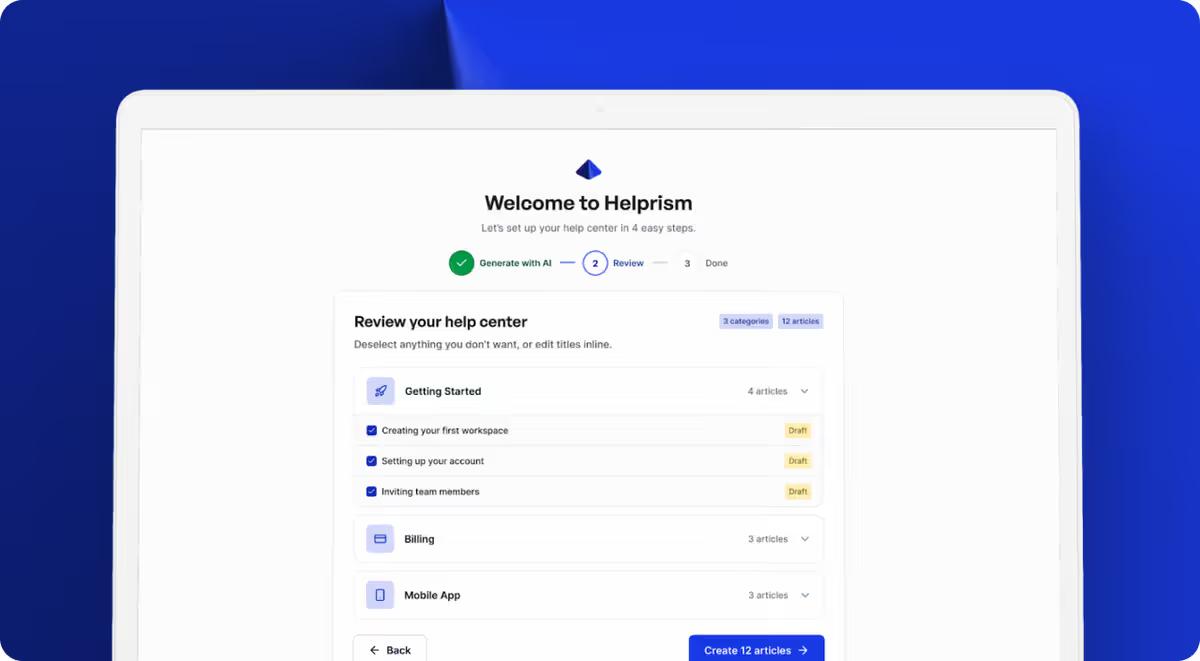
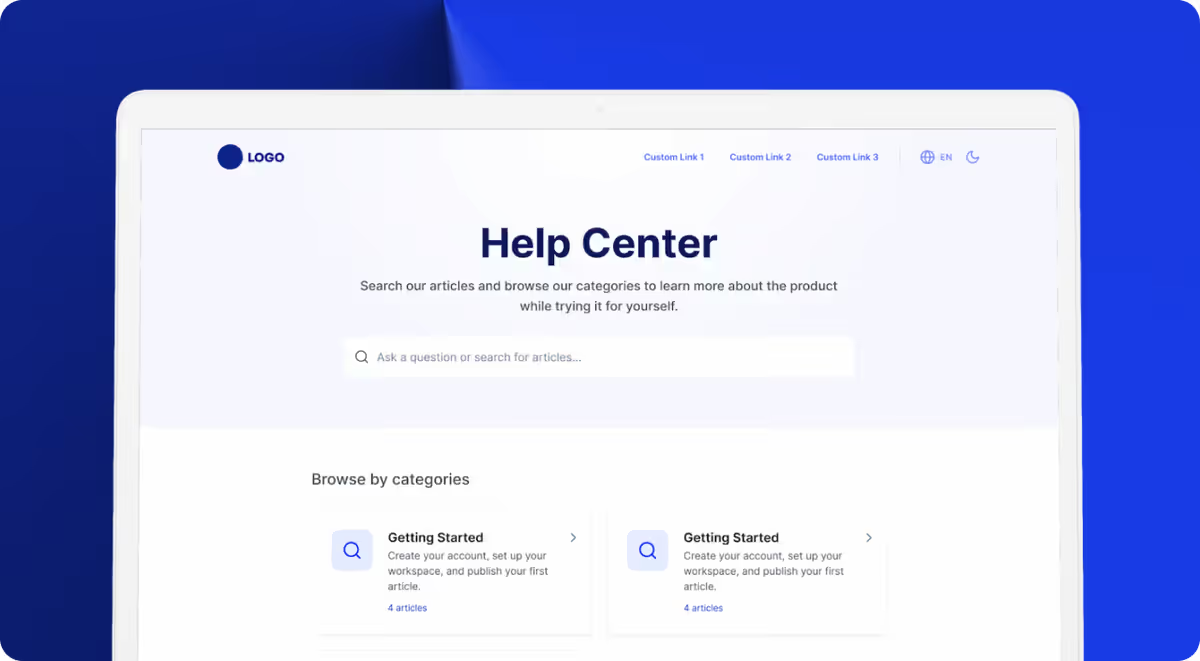
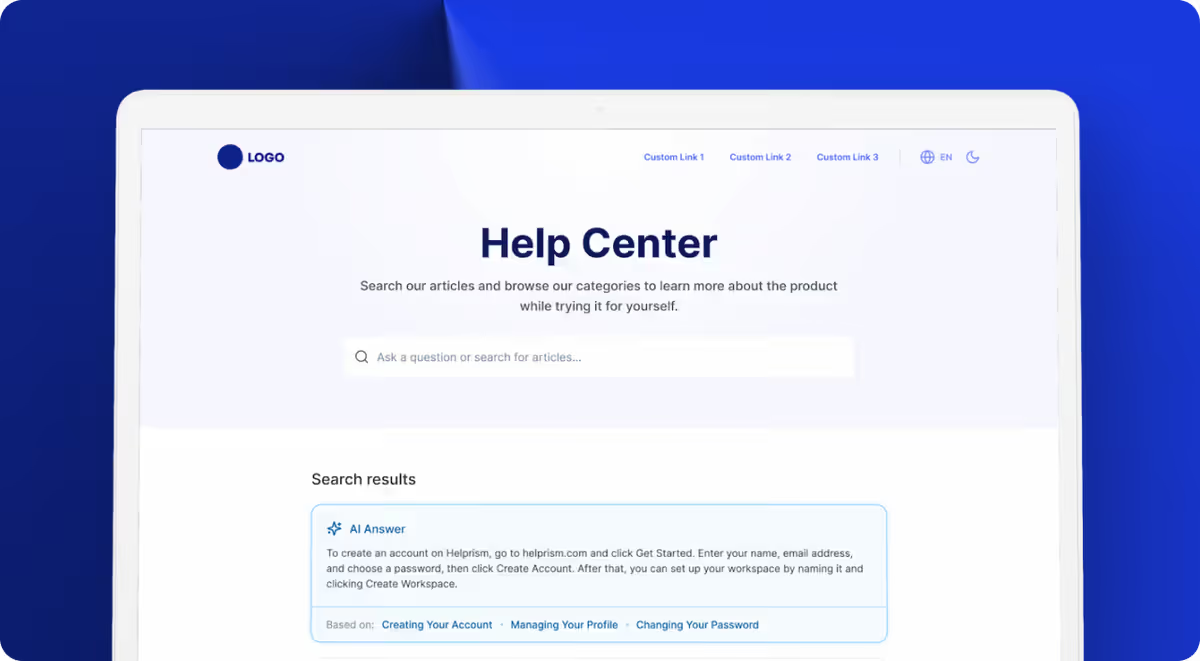
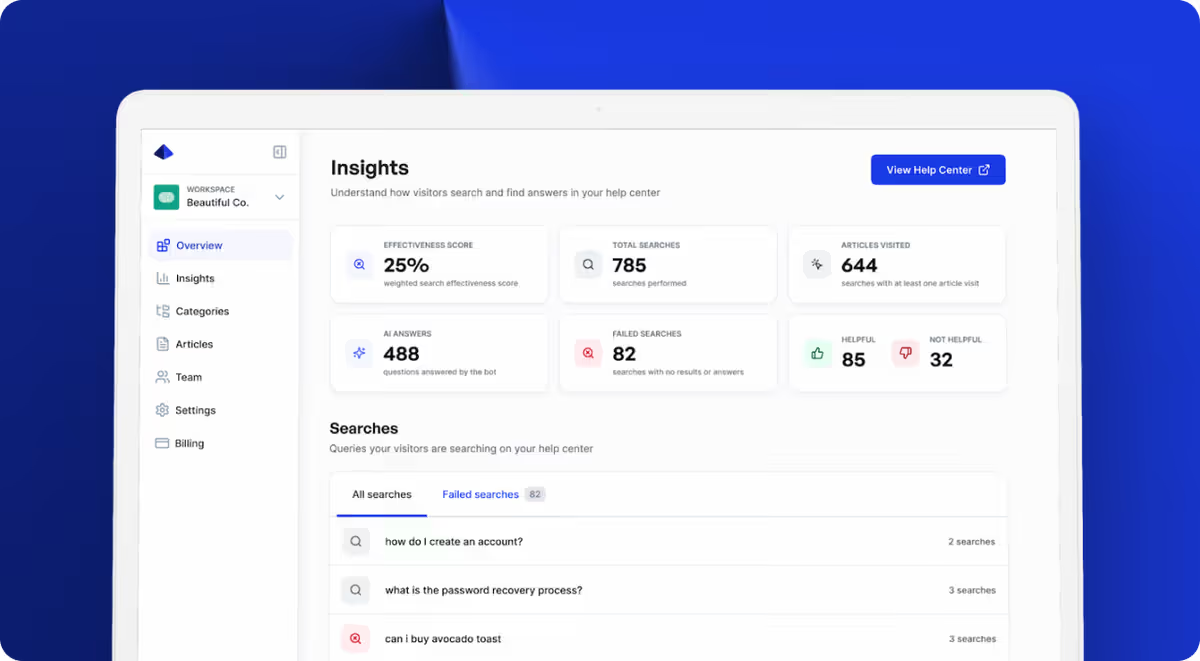
The AI onboarding wizard scans your website and generates a full help center — categories, articles, and structure — in minutes. The Notion-style block editor with inline AI writing tools lets you refine each article without starting from a blank page. And the analytics dashboard shows you which articles users find helpful and which searches return nothing, so you know exactly what to write next.
Start free with 10 articles and 1 user ($0). Scale through Starter ($19/mo), Pro ($49/mo), and Business ($99/mo) as your help center grows.
Your Help Center Is Never “Done”
The best help centers are living resources. Ship Tier 1 in the first week, build Tier 2 over the next month, and let analytics guide Tier 3. Every failed search is a content request. Every low-rated article is a rewrite opportunity. Treat your help center like a product, not a project — and it will quietly become your most efficient support channel.
Ready to get started?
Paste your URL. Review the draft. Publish. Your help center is live before your coffee gets cold.
Start Free →