
How to Launch a Help Center from Scratch in One Afternoon
A step-by-step guide to going from zero to a live, branded help center in under 4 hours — no technical writers, designers, or developers required.

Your support inbox has 47 unread tickets. Twelve of them ask the same question. You know you need a help center, but every time you look into it, the project balloons: hire a technical writer, design templates, pick a platform, migrate content, configure search. Three months later, you still have 47 unread tickets.
Here’s the thing — a help center doesn’t need to be a quarter-long project. With the right approach, you can go from nothing to a live, branded support site in a single afternoon. Here’s exactly how.
Hour 1: Audit Your Existing Content
You have more help content than you think. It’s just scattered:
- Support emails — your inbox is full of answers you’ve already written. Pull up your 20 most recent tickets and copy the responses.
- Slack messages — search your team channels for common customer questions. Copy the threads.
- Onboarding docs — any internal guides, SOPs, or training materials are candidate articles.
- FAQ pages — if you have an FAQ buried on your website, that’s raw material.
Don’t worry about formatting or polish. Just collect the raw content into a single document. You’ll likely end up with 10-20 topics — more than enough for a solid v1.
Hour 2: Choose Your Platform and Structure
This is where most teams stall. They evaluate 8 platforms over 3 weeks and pick none. Skip the analysis paralysis.
What matters in a help center platform:
| Feature | Why It Matters |
|---|---|
| Hosted subdomain | Live instantly, no DNS setup needed |
| Category organization | Users browse by topic, not by date |
| Full-text search | The #1 way users find articles |
| Branding controls | Logo, colors, fonts match your product |
| Analytics | Know what’s working and what’s missing |
Tools like Zendesk Guide, Intercom Articles, and Gitbook check most boxes but require significant setup time and configuration. If speed is the priority, you want a platform that handles structure, design, and hosting out of the box.
Hour 3: Create Content and Organize
With your raw content collected and your platform chosen, it’s time to write. Follow this formula for each article:
- Title as a question. “How do I reset my password?” beats “Password Reset Procedures.”
- Answer in the first sentence. Don’t make users scroll to find the point.
- Steps, not paragraphs. Numbered lists are easier to follow than prose.
- One topic per article. If an article covers two things, split it.
Organize articles into 3-5 categories based on user intent: Getting Started, Account & Billing, Troubleshooting, and so on. Fewer categories with more articles each is better than many categories with 1-2 articles.
Hour 4: Brand, Review, Publish
Upload your logo, set your brand colors, and preview. Read every article once — out loud if possible. Fix anything confusing, then hit publish.
Done. You now have a live help center.
The Shortcut: Helprism’s AI Onboarding
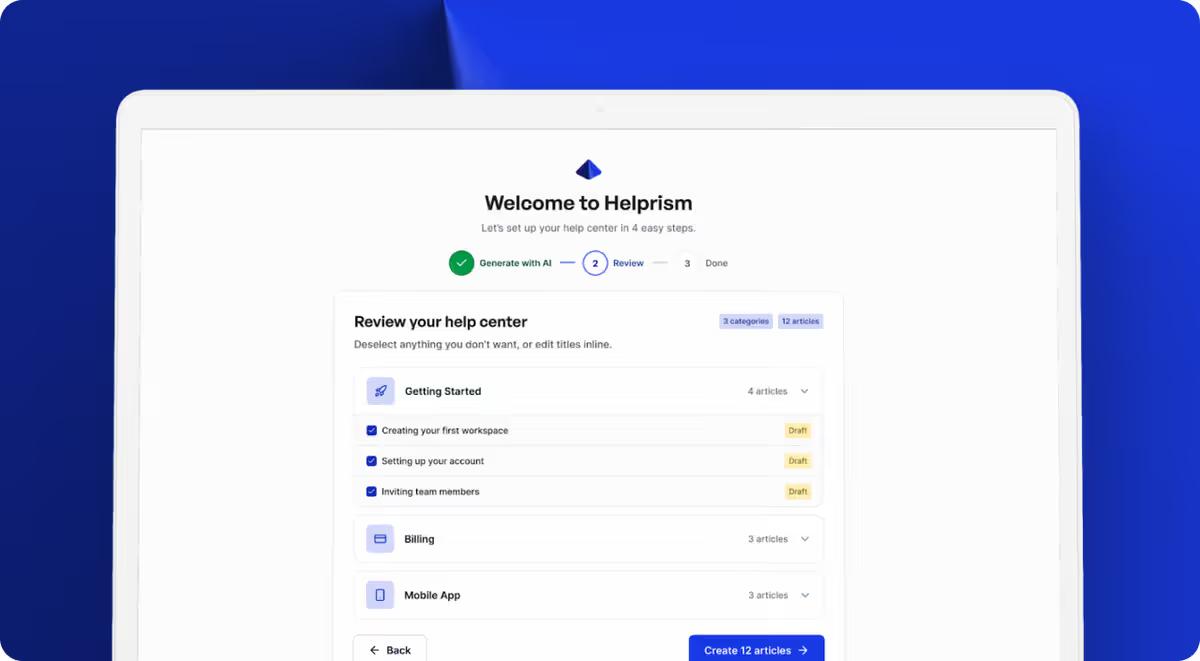
If even four hours feels like too much, Helprism compresses the entire process into minutes. Paste your website URL, and the AI onboarding wizard analyzes your site, generates categories, and drafts articles automatically. You review, edit what needs tweaking, and publish.
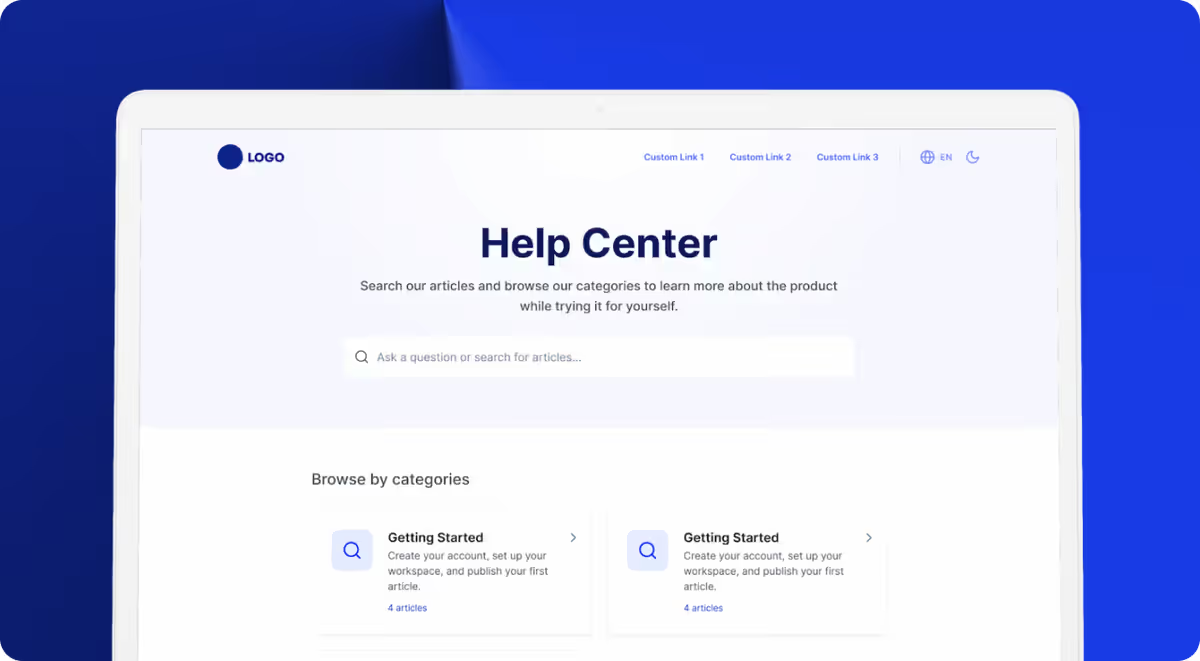
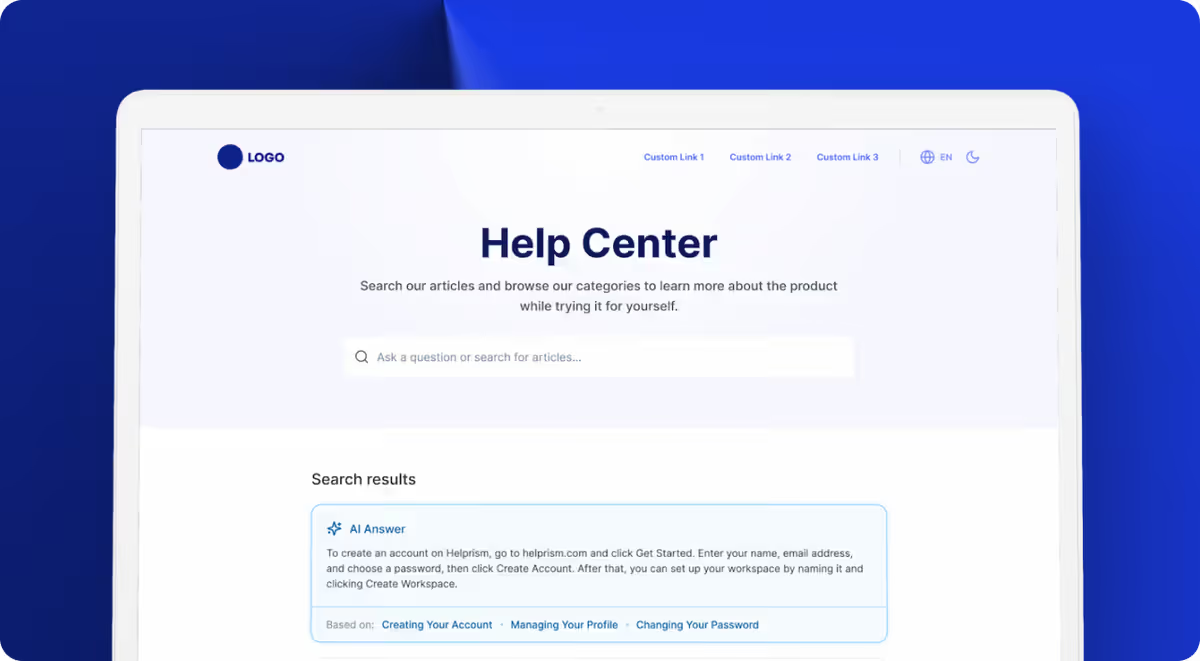
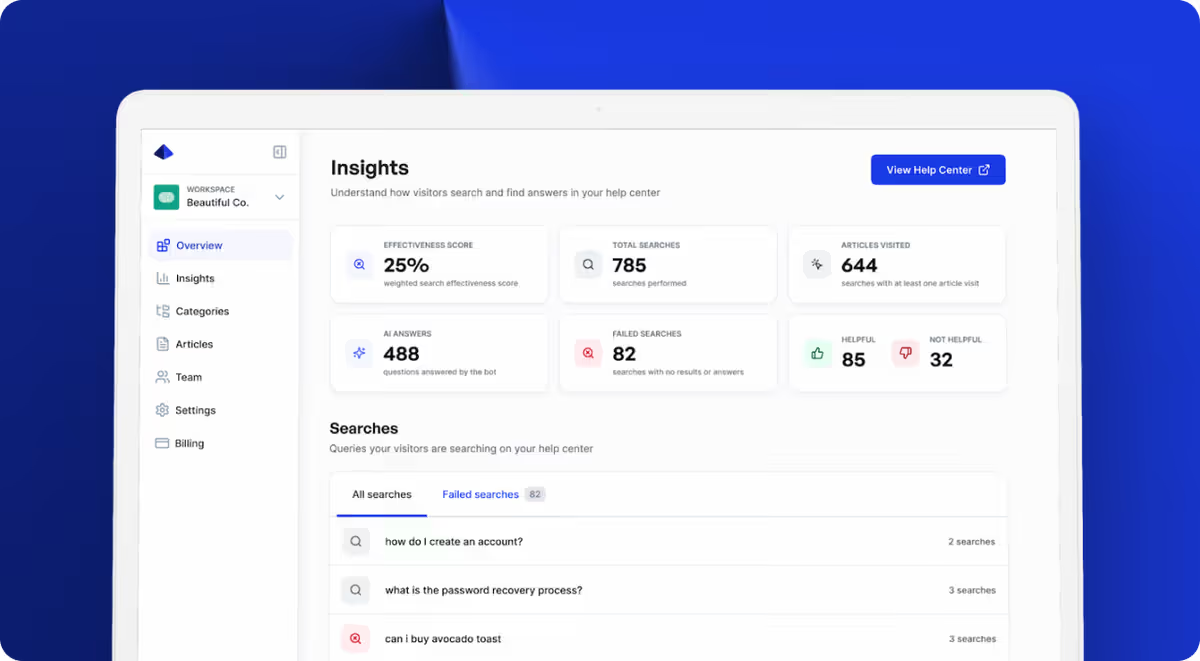
Beyond the initial setup, Helprism gives you a Notion-style block editor with inline AI writing tools, multi-language translation, and an analytics dashboard that tracks search effectiveness and article feedback. The free plan covers 1 user and 10 articles — enough to validate the approach before committing to Starter ($19/mo), Pro ($49/mo), or Business ($99/mo).
What Happens After Launch
A help center isn’t a “set and forget” asset. The real value compounds over time:
- Week 1: Monitor your analytics. Which articles get the most views? Which searches return no results? Fill those gaps.
- Month 1: Check your support inbox. If the same question keeps appearing, you’re missing an article. Write it.
- Month 3: Review article feedback scores. Rewrite anything rated unhelpful.
The teams that get the most from their help center treat it like a living product, not a static document. But the first step is getting it live — and that only takes an afternoon.
Ready to get started?
Paste your URL. Review the draft. Publish. Your help center is live before your coffee gets cold.
Start Free →